Features
Thoughtful UI that's easy to use
Everything you need to get product data into your shop, ERP or marketplace, and to keep it current.
Download by brand or EAN file
Upload a CSV of EANs or pick a brand. You get a ZIP with a CSV per dataset and a README that explains every field.
atlas.lipko-data.com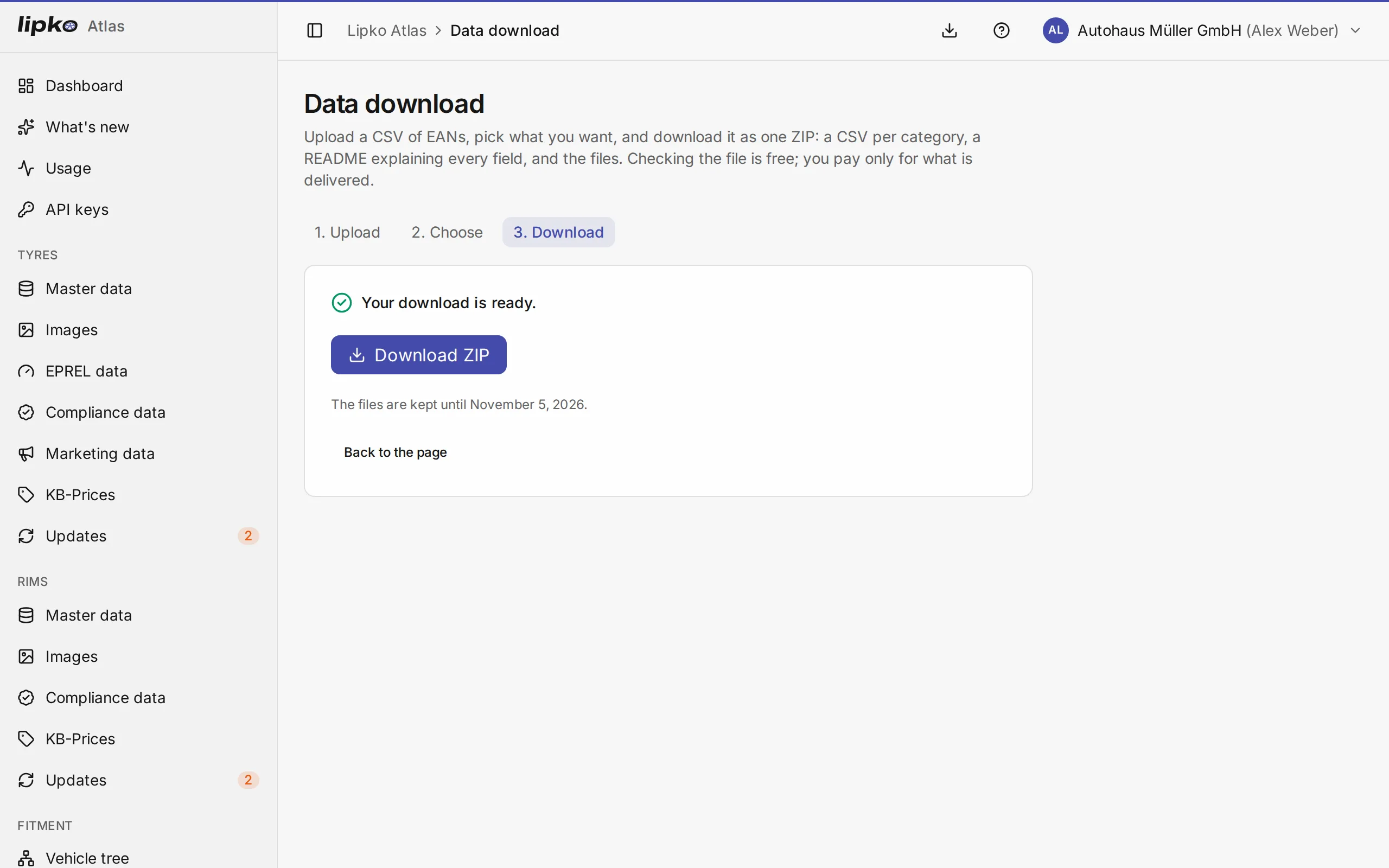
Find a car, get its sizes
Search by HSN/TSN, KType or name, then download the OE tyre and rim sizes of every match.
atlas.lipko-data.com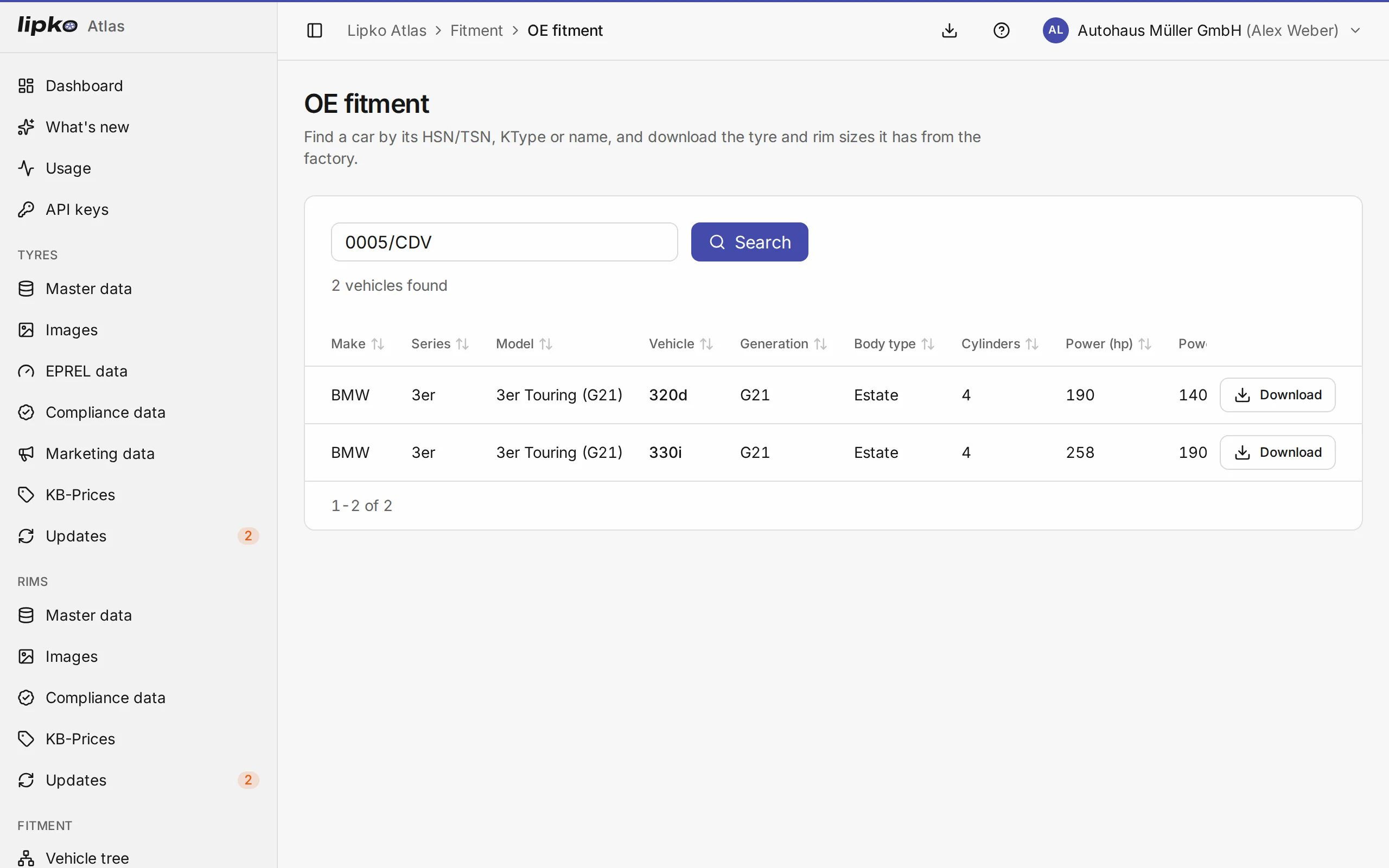
KB prices per country
The latest recommended retail prices, each in its own country and currency, by brand or EAN file.
atlas.lipko-data.com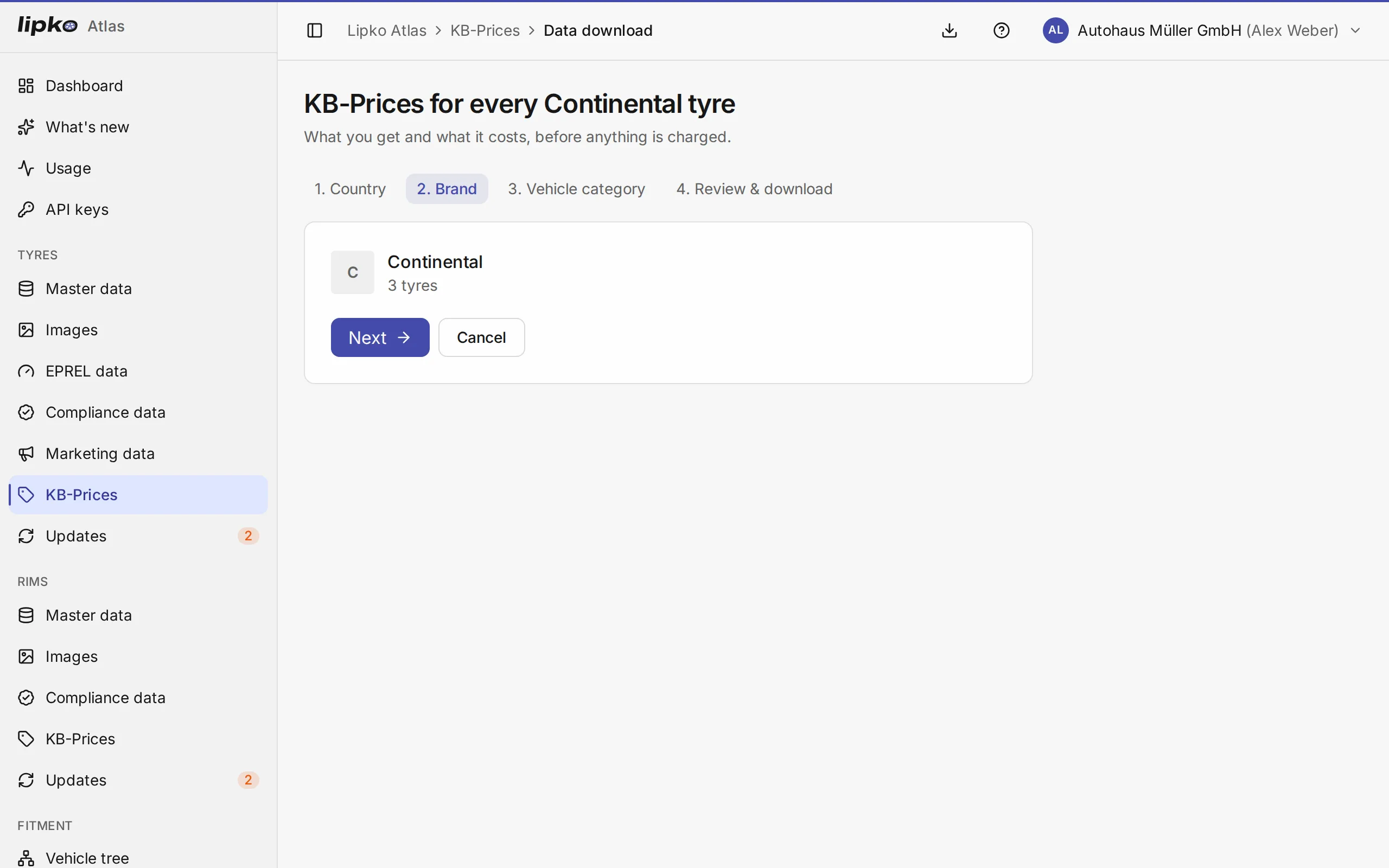
Only what changed
The tyres, rims and vehicles you downloaded that have changed since, ready to download again in one click.
atlas.lipko-data.com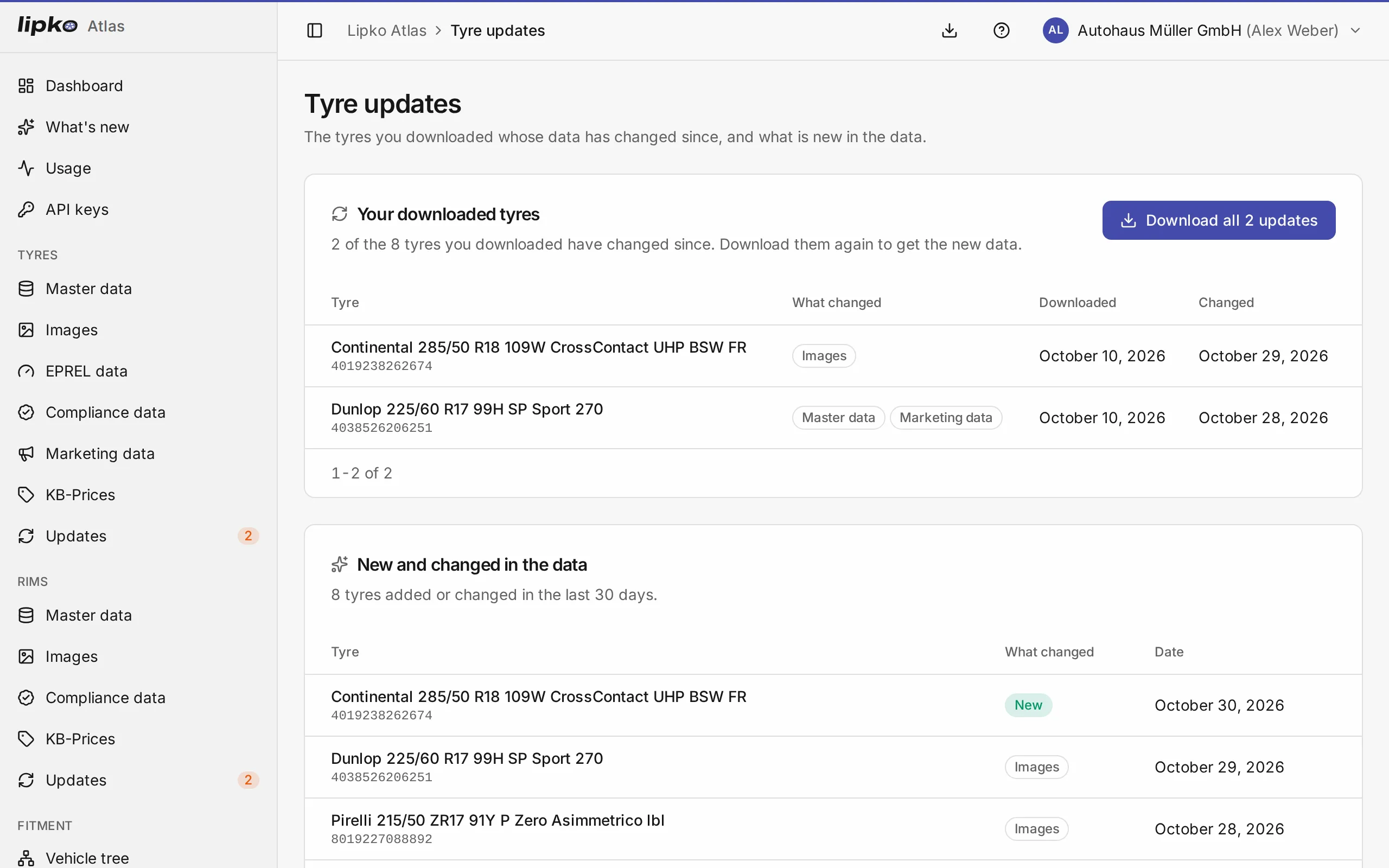
What's new
Everything added to the data in the last 30 days, to filter by brand and category and download at once.
atlas.lipko-data.com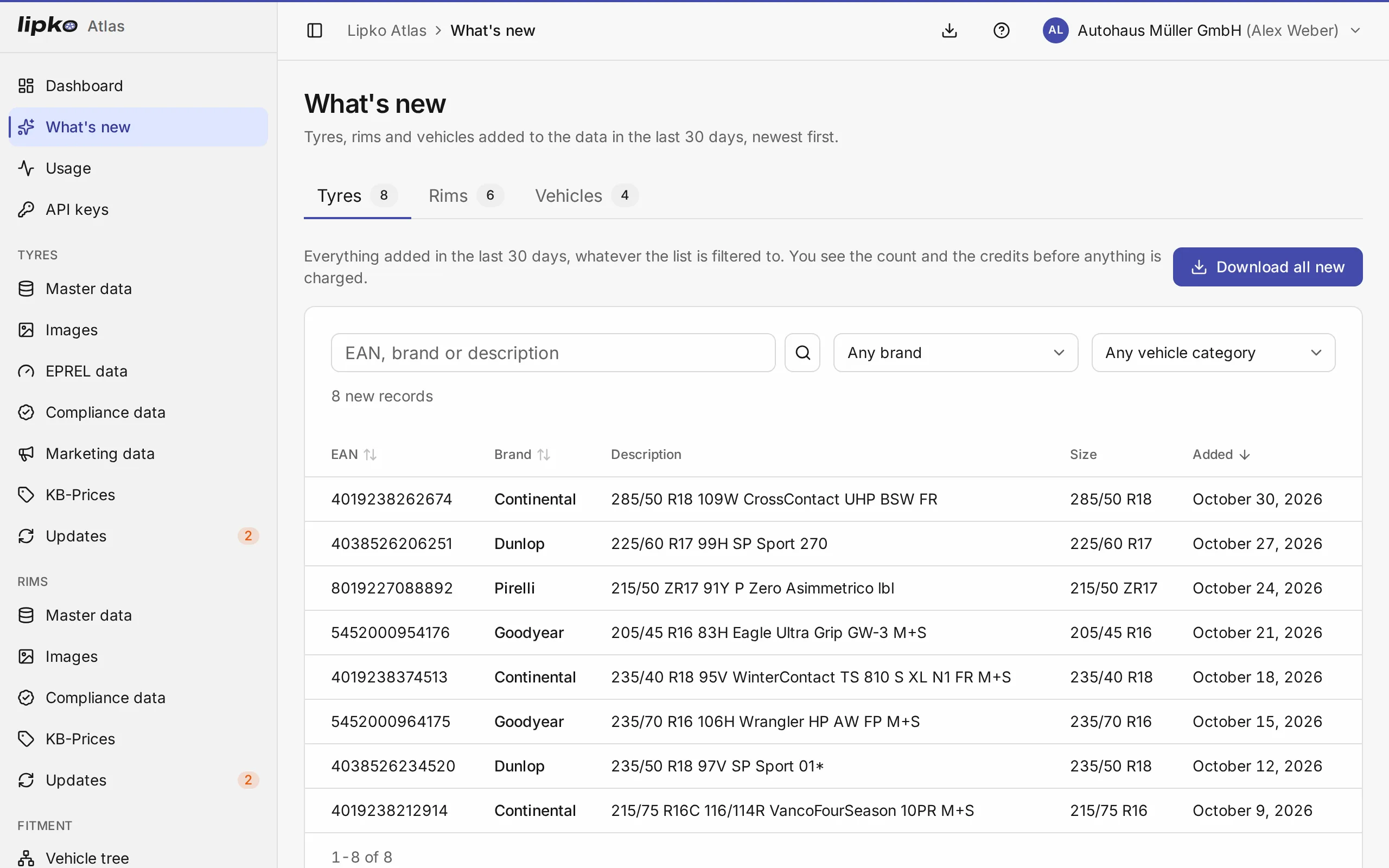
Every file, any time
Your downloads of the last days, while they run and when they are ready.
atlas.lipko-data.com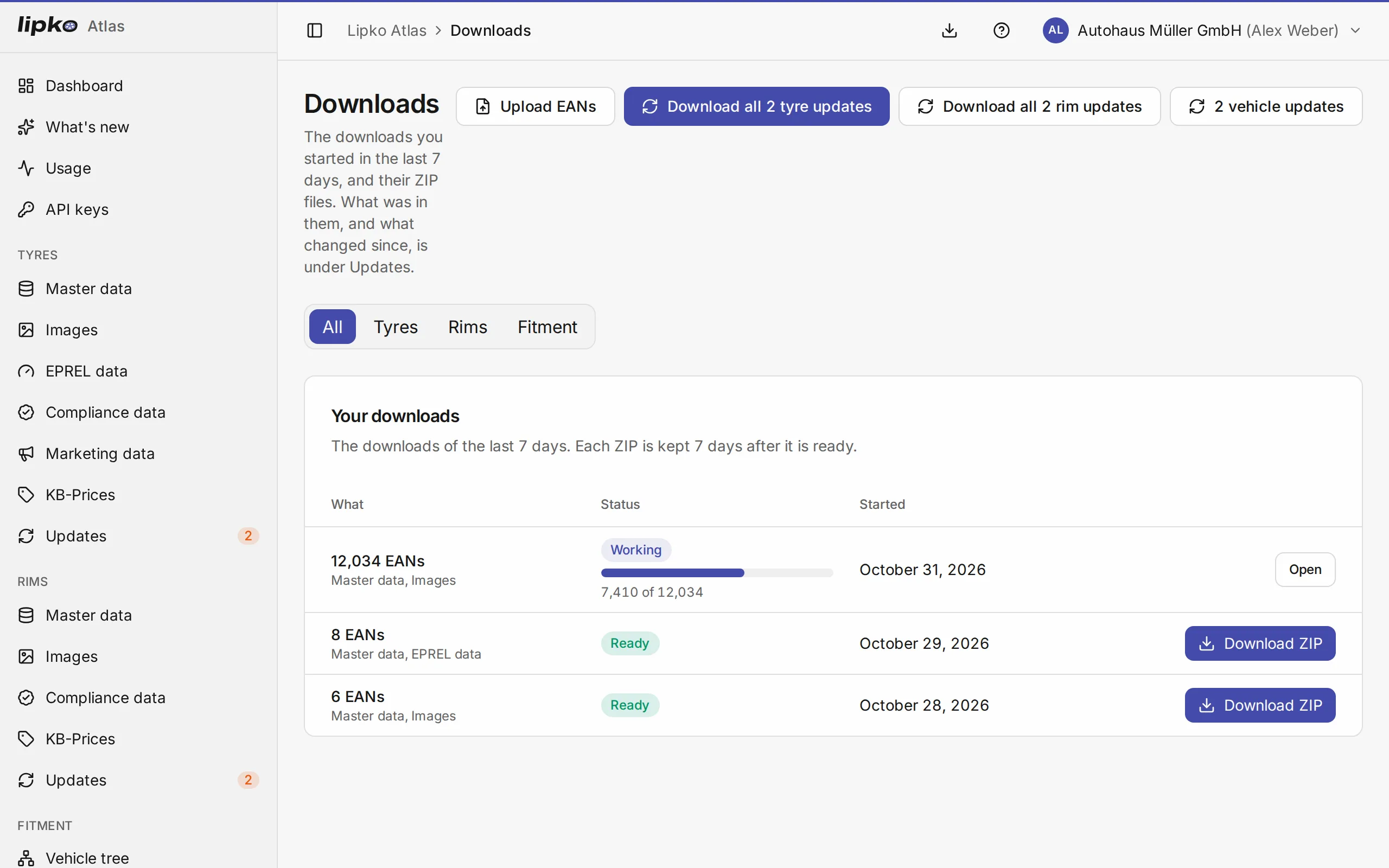
- … and so much more
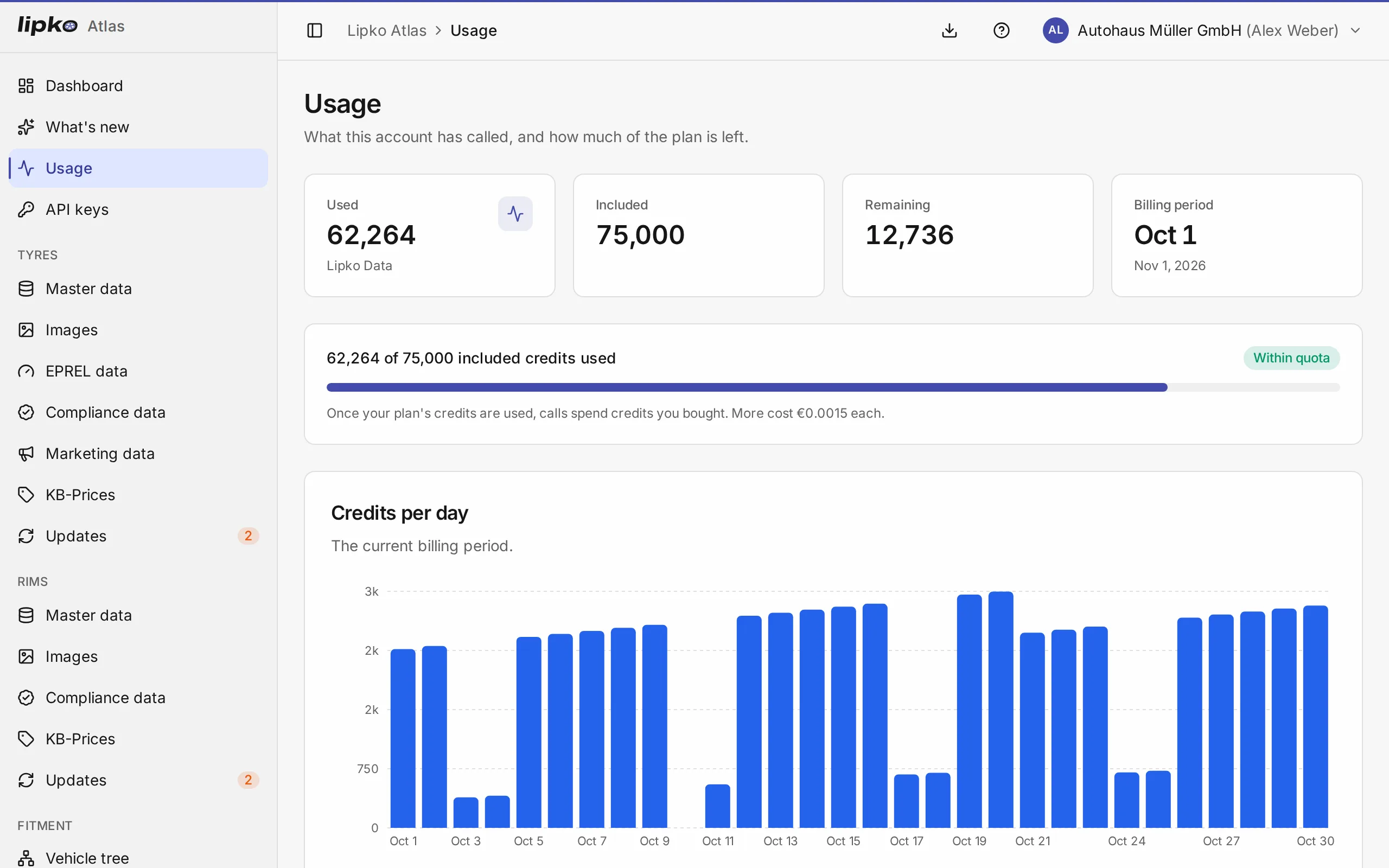
Usage you can see
Every download and every call in credits, day by day, against what your plan includes.
Fair in every detail
Pay for what you take
Credits per item downloaded or call made. Your plan includes a number of them every month.
Checked before you pay
Every download is counted and priced first. Checking costs nothing.
Always up to date
New and changed data shows up in What's new and in Updates, so you never download the same thing twice by accident.
English and German
The portal and its user manual speak both, and so does the assistant.
Invoices for every payment
Pay by card through Stripe and find every invoice in the portal.
Help built in
A user manual, and an assistant that answers from it and from your account.
Want to see Lipko Atlas in action?
Sign up and look around.